

Who's bringing what?
Create an event, list what's needed, and share one link. Everyone picks what they'll bring — no signup, no spreadsheet, no group-chat chaos.
How it works
Create → Invite → Coordinate
Create in seconds
Title, date, location and what’s needed — Chicken, Drinks, Chairs.
Invite anyone
A link, a QR code, or people and groups you already coordinate with.
Watch it come together
Everyone picks what they’ll bring. You watch the board fill in, live.
Features
Everything you need to coordinate
One link does it all, from the first item you list to the last thing claimed.
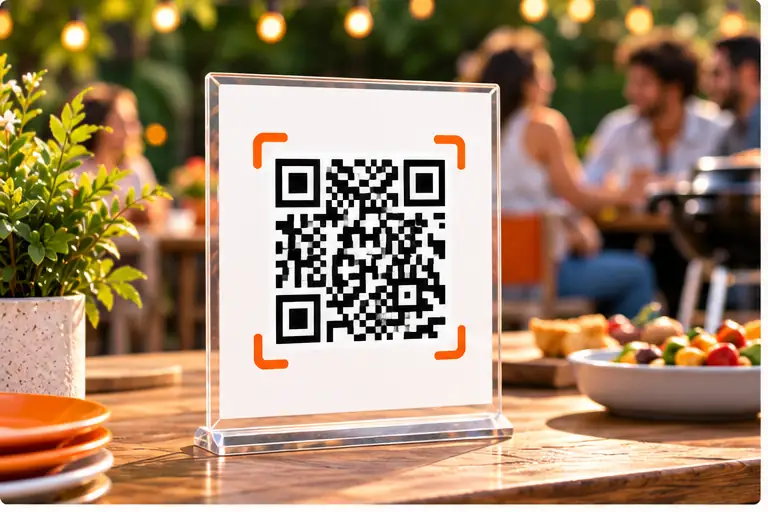
Fast QR invitation
Print it or scan it on-screen — no app, no signup, just a claim.
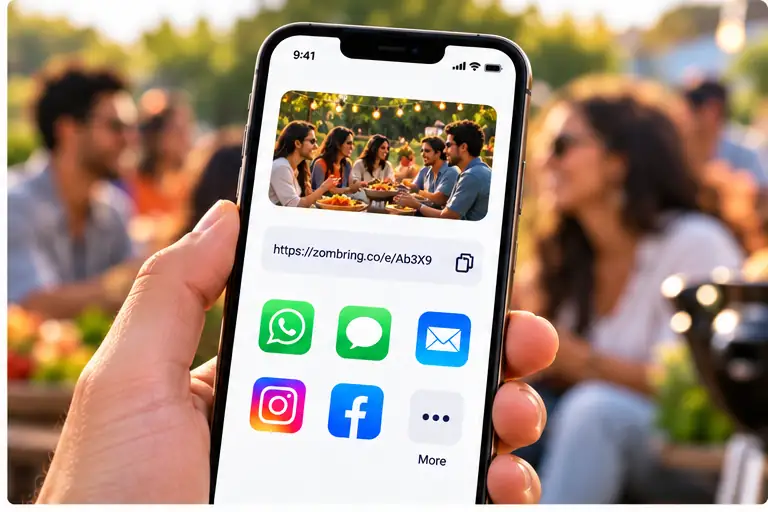
Share any way you like
Copy a link, send a WhatsApp message, or use the native share sheet.
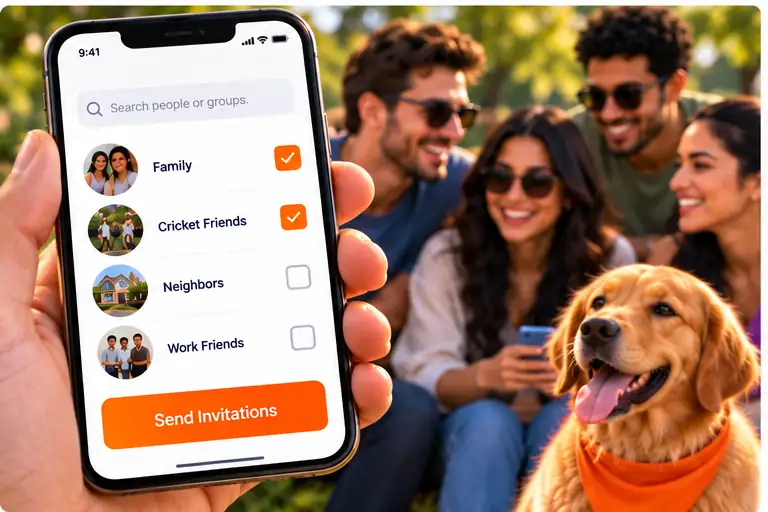
Invite people or groups
Reach the people and groups you already coordinate with on Zomsi.
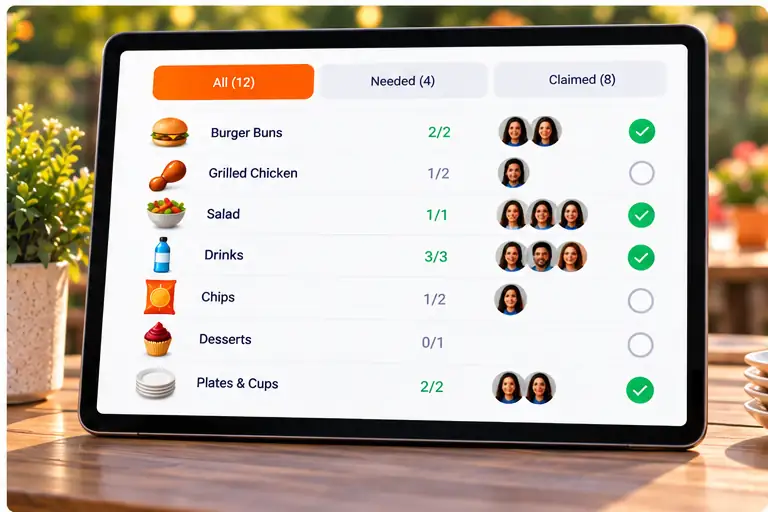
Live command board
See what’s still needed and what’s covered — nothing forgotten, nothing doubled up.
Built for real life
Simple. Useful. Meaningful.
Zomsi apps help you stay connected, explore new places, plan with others and create more moments that matter — with the people who matter most.
Get started
Ready to coordinate your next event?
Free to create. Guests never need an account.
About Zombring
The easiest way to organise who brings what
Zombring is a free event checklist for anything where several people contribute: a potluck, a barbecue, a birthday party, a picnic or a game day. You list what the event needs, share one link or QR code, and each guest claims the items they will bring.
Everyone sees the same live board, so nothing is forgotten and nothing is brought twice. Guests open the link in their browser without installing an app or creating an account, and as a host you can start straight away too. A recovery code lets you move your events to a new phone or browser.
Zombring is made by Zomsi, and it runs in any modern browser today, with iPhone and Android apps on the way.
What is it good for
Events people plan with Zombring
Potlucks
Balance mains, sides, desserts and drinks so the table is full and nobody brings the same dish.
Barbecues
Split the food, charcoal, ice and grill gear across guests instead of buying it all yourself.
Birthday parties
Share the cake, decorations, snacks and supplies with friends and family.
Picnics and outings
Agree on food, blankets, games and drinks before you leave the house.
Community and club events
Coordinate supplies for a school fair, a team day or a neighbourhood get-together.
Game days and road trips
Keep track of snacks, drinks and gear in one place, so everyone knows what to pack.
Ideas and guides
Plan any get-together with Zombring
A potluck planner that stops the duplicate dishes
Plan a potluck without the spreadsheet. Share one link, let guests claim dishes and supplies, and see at a glance what is covered and what is still missing.
Who's bringing what to your party?
Stop scrolling through group-chat threads to work out who is bringing what. Zombring turns your party item list into one live board guests can claim from.
The BBQ party checklist: what to bring and who brings it
A practical barbecue checklist — food, drinks, grill gear and extras — plus a simple way to split it so guests claim items and nothing gets forgotten.
Birthday party checklist: share the load
A birthday party checklist for food, decorations and supplies, and a shared list so guests can claim what to bring without a flood of messages.
FAQ
Frequently asked questions
Is Zombring free?
Yes. Creating an event, sharing it and claiming items is free.
Do guests need an account?
No. Guests open your link and claim items straight away. As a host you also start without signing up; a recovery code lets you move your events to a new device.
What kinds of events work best?
Anything where several people contribute: potlucks, barbecues, birthday parties, road trips, community events and game days.
Can I get ideas for what to ask people to bring?
Yes. Zombring suggests popular items for each kind of event and can draft a longer list for you.
Does it work on my phone?
Yes. Zombring works in any modern browser, and there are apps for iPhone and Android on the way.